
AI Pet Portrait Generator
Fur is the hard part. A cat's coat is thousands of individual strands catching light at different angles, and any model that smooths them into a uniform texture produces something that looks like a plush toy rather than an animal. Eyes are the second tell: animal pupils and the wet highlight on them are shaped differently from human eyes, and getting that wrong lands the result in the uncanny valley fast. These templates are tuned for both, across costumed scene setups (baker, firefighter, pizza shop), a tiger fantasy, a straight companion-animal portrait, and a pet-with-owner selfie. Upload one photo; free credits cover your first renders, HD without a watermark.
Try it freeChoose a template

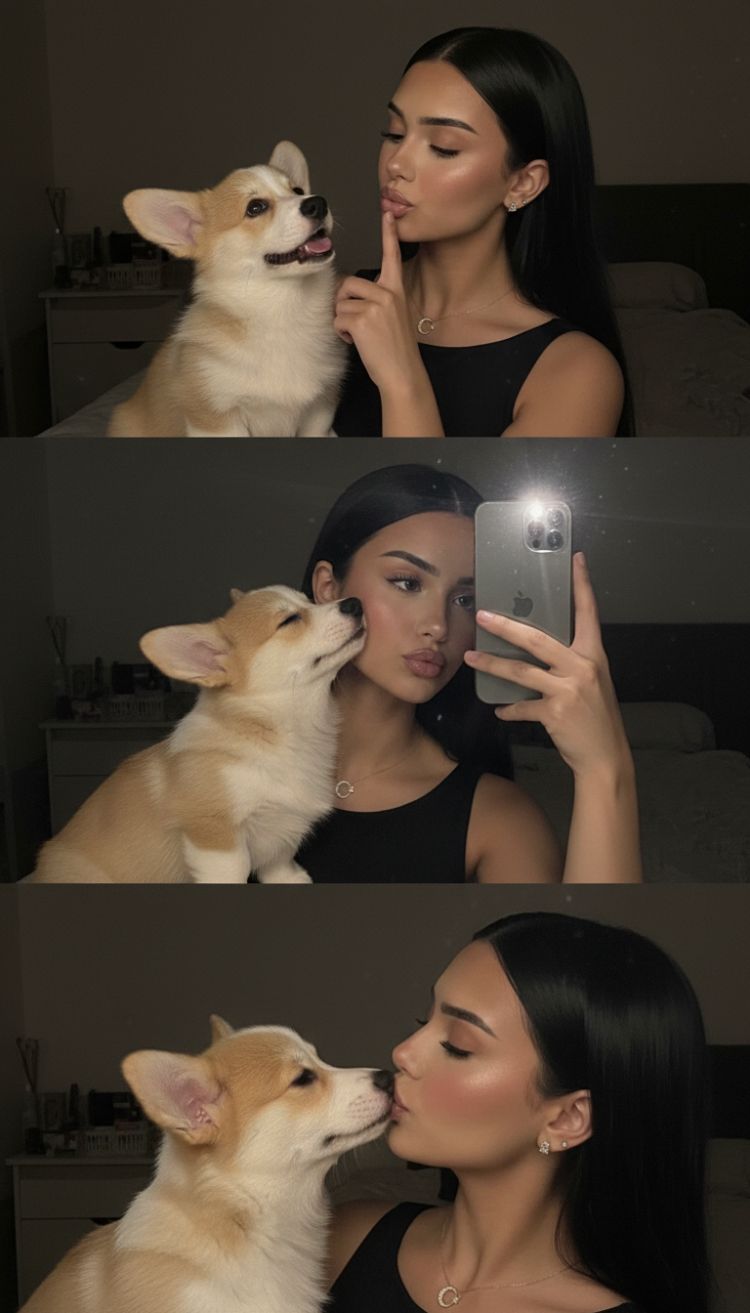
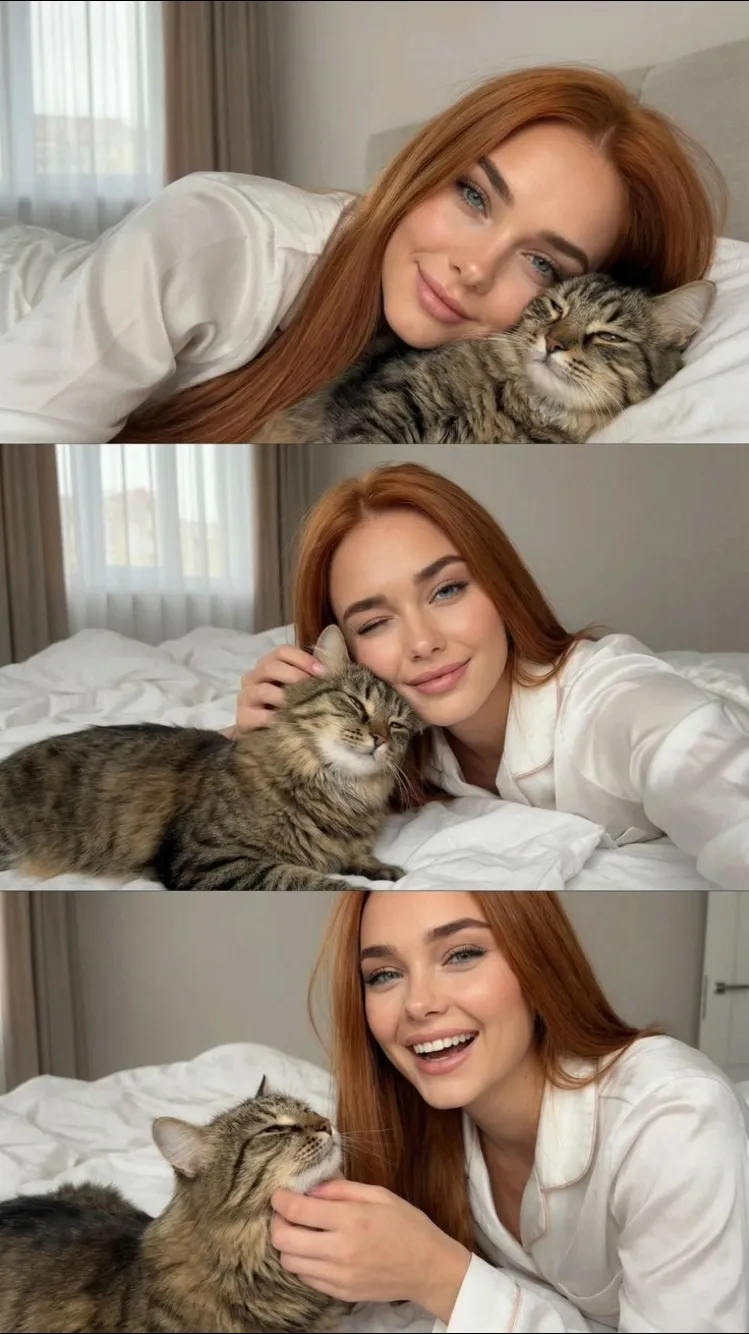
Costumed scene or plain portrait
Five of these put the animal into a scene — baker, firefighter, pizza shop, a tiger fantasy — and two keep it as a straight portrait or a selfie with you in frame. The costumed templates are more fun and more forgiving, because a stylised scene hides small anatomical inaccuracies. The plain companion-animal portrait is the harder job and the better test of whether the result actually looks like your pet, since there is nothing to distract from the face.
Fur and eyes are the whole problem
A coat is thousands of strands catching light at different angles, and a model that renders it as one smooth surface produces a plush toy. Animal eyes are the second tell: the pupil shape and the wet highlight sit differently from human eyes, and prompts that inherit human eye wording land in the uncanny valley immediately. These templates specify strand-level coat detail and species-correct eyes, which is the difference between a portrait of your cat and a portrait of a cat-shaped object.
Getting a usable source photo of an animal
Harder than photographing a person, for the obvious reason. Motion blur is the single most common cause of a soft result, so a still moment matters more than a good pose. Eyes open and facing the camera, even light, no flash — flash flattens fur texture and produces eyeshine that the model then has to work around. If your pet is dark-coated, avoid a dark background; the template needs an edge to find.
Video, and what to expect from it
Several templates output short video. Animal motion is harder than human motion because there is no shared skeleton assumption the model can lean on, so movement here is subtler and occasionally odd. Judge a video template on a still-frame test first if credits matter to you. The pet-and-owner selfie needs both faces clearly visible and similarly lit in the source; mismatched light between the two is the hardest thing for it to reconcile.
How it works
- Pick a costumed scene for something playful, or the companion portrait for a real likeness test.
- Use a still, sharp photo — eyes open, facing camera, no flash, no motion blur.
- Avoid a dark background for a dark-coated animal; the template needs a findable edge.
- Check the coat first: strands rather than a smooth surface is the sign it worked.
- For a photo with you and your pet, make sure both faces are lit the same way.
- Test with a still before spending credits on a video template.
FAQ
Can I make an AI portrait of my own pet?
Yes — upload one clear photo of the animal. The template handles the styling; the coat pattern and face come from your photo.
Why do AI pet images often look like plush toys?
Because fur gets rendered as a smooth uniform surface instead of individual strands. These templates specify strand-level coat detail, which is what keeps it reading as an animal.
Can my pet and I be in the same picture?
Yes, there is a pet-with-owner selfie template. Use a photo where both faces are clearly visible and similarly lit.
Do the video templates work on pets?
Several of these output short video. Motion on animals is harder than on people, so expect subtler movement — it works best on a clear, front-facing source photo.
What photo works best?
One animal, eyes visible, even light, minimal background clutter. Motion blur in the source is the most common cause of a soft result.