
About this template
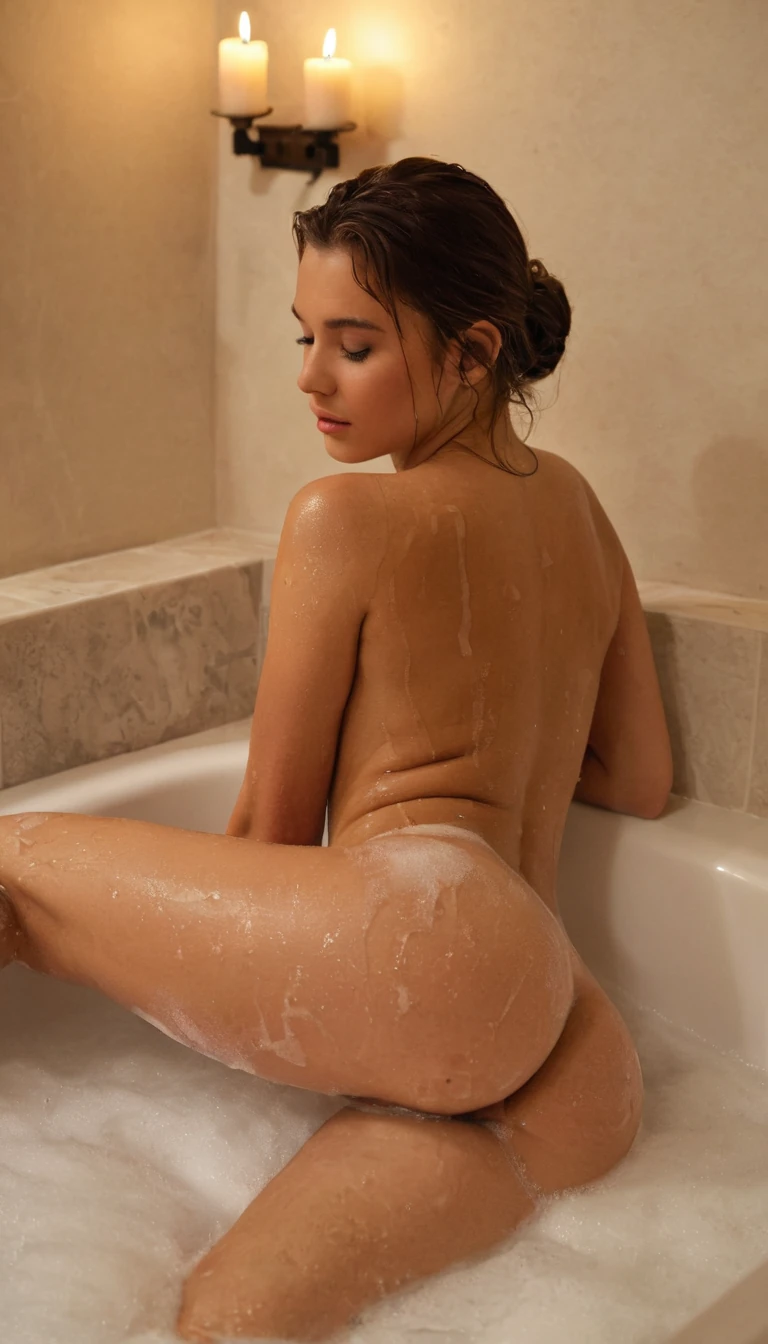
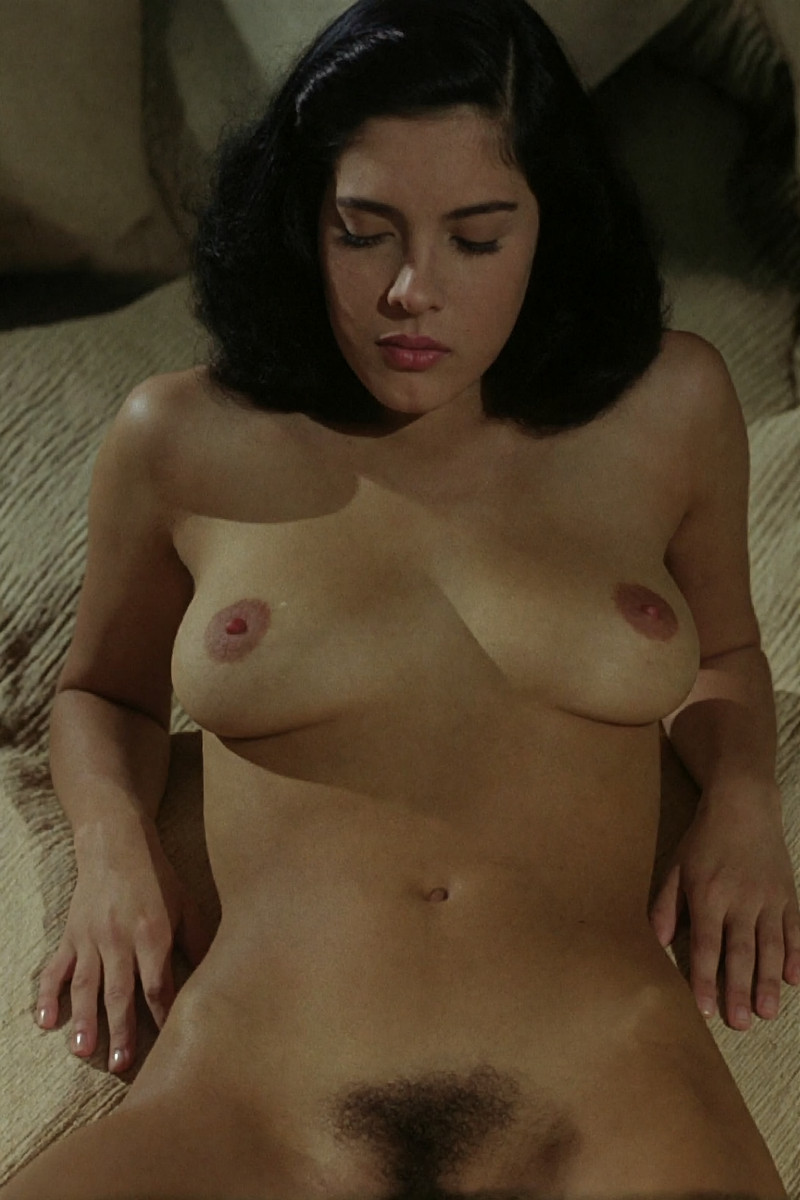
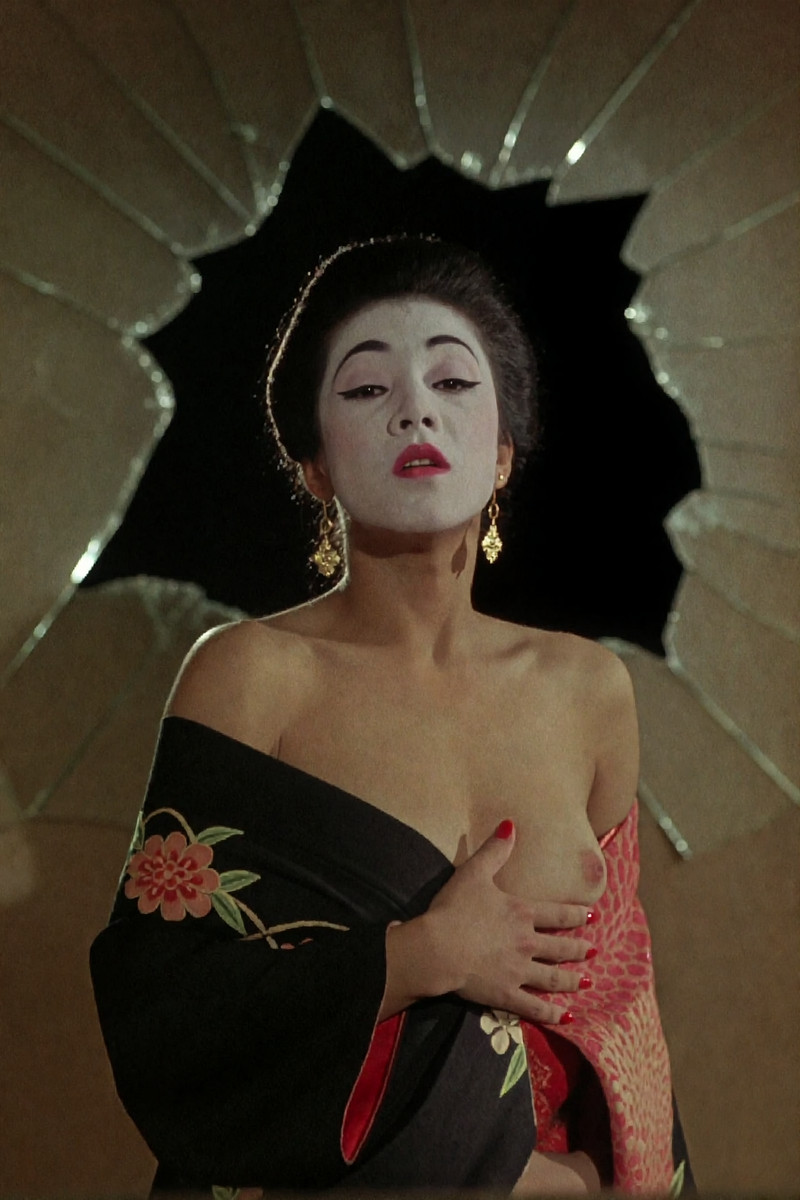
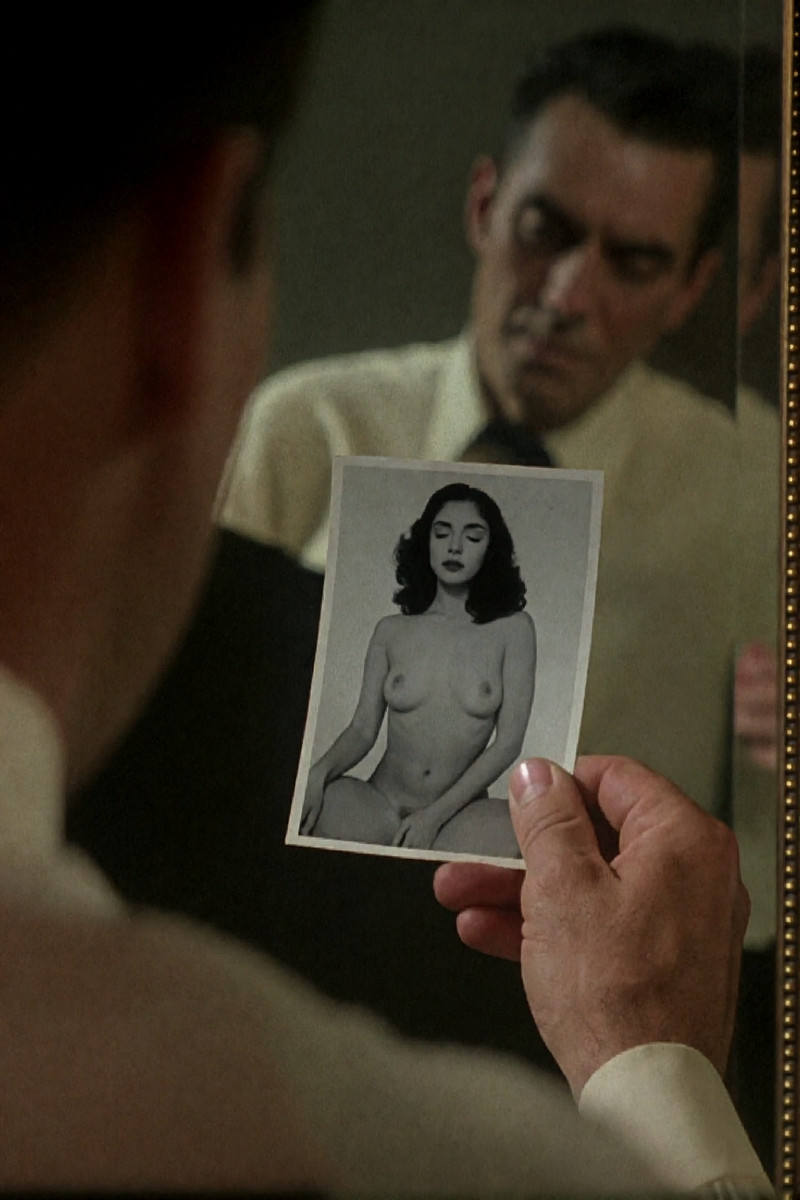
Use this reviewed Seedream 4.0 template to create anime to photorealistic portrait. Start from the real visual preview, adjust the prompt or source image, and run the working generator without committing to a subscription first.
Create anime to photorealistic portrait with Seedream 4.0, real preview media and a free first try.
Built on Seedream 4.0, this template renders fictional AI characters in sharp detail — copy the prompt to change the outfit, pose, lighting or style.
Seedream 4.0 is the exact live model assigned to this template, so the preview, input format and generation route match the model named on this page.
The prompt behind this template
Change style to realistic. Photorealistic, redraw the character's face and hairstyle, replacing with a realistic Western face and hairstyle, hyper-realistic, detailed skin texture, ultra-realistic clothing fabric, realistic hair strand texture.
Copy this prompt into the custom generator to remix every detail.
Prompt breakdown for anime to photorealistic portrait
These are exact phrases from the editable source prompt, grouped by the part of the result they control.
- Subject
redraw the character's face and hairstyle
- Visual style
Change style to realistic
Photorealistic
- Details and constraints
detailed skin texture
realistic hair strand texture
How to use anime to photorealistic portrait
- Upload your source image — a clear, well-lit reference you own the rights to works best.
- Tap Generate and let the AI do the work.
- Preview, download in full resolution, or regenerate with tweaks.
Template details
- AI model
- Seedream 4.0
- Output
- Image
- Cost per generation
- 127 credits
- Typical wait
- 30-90 sec
Frequently asked questions
Which words control the Subject in anime to photorealistic portrait?
This prompt uses “redraw the character's face and hairstyle”. Change this layer first and keep the remaining prompt stable while you compare results.
Which words control the Visual style in anime to photorealistic portrait?
This prompt uses “Change style to realistic”. Change this layer first and keep the remaining prompt stable while you compare results.
What kind of photo works best for anime to photorealistic portrait?
A sharp, well-lit reference with the subject clearly visible gives the best result. Only upload images you have the rights to use — real people without their consent are strictly prohibited.
Is anime to photorealistic portrait censored or filtered?
No. XXXCut runs Seedream 4.0 without mainstream content filters for verified adults 18+. All output is 100% AI-generated fictional content, and illegal material is strictly prohibited.
How long does it take to generate anime to photorealistic portrait?
Most generations finish in about 30-90 sec. Video templates take longer than images because the AI renders every frame of the clip.
Is anime to photorealistic portrait free to try?
Yes — new accounts get free credits at signup plus daily check-in bonuses, enough to try anime to photorealistic portrait for free. After that, each generation costs 127 credits.