




Release brief · verified against Alibaba Cloud
Wan 2.7 is a workflow release, not merely a prettier text-to-video checkpoint. Alibaba Cloud documents keyframe control, reference-to-video and video continuation alongside generation. This evidence board separates those official capabilities from what can actually be selected inside XXXCut today.
Editorial review:
Official Wan 2.7 workflow evidence
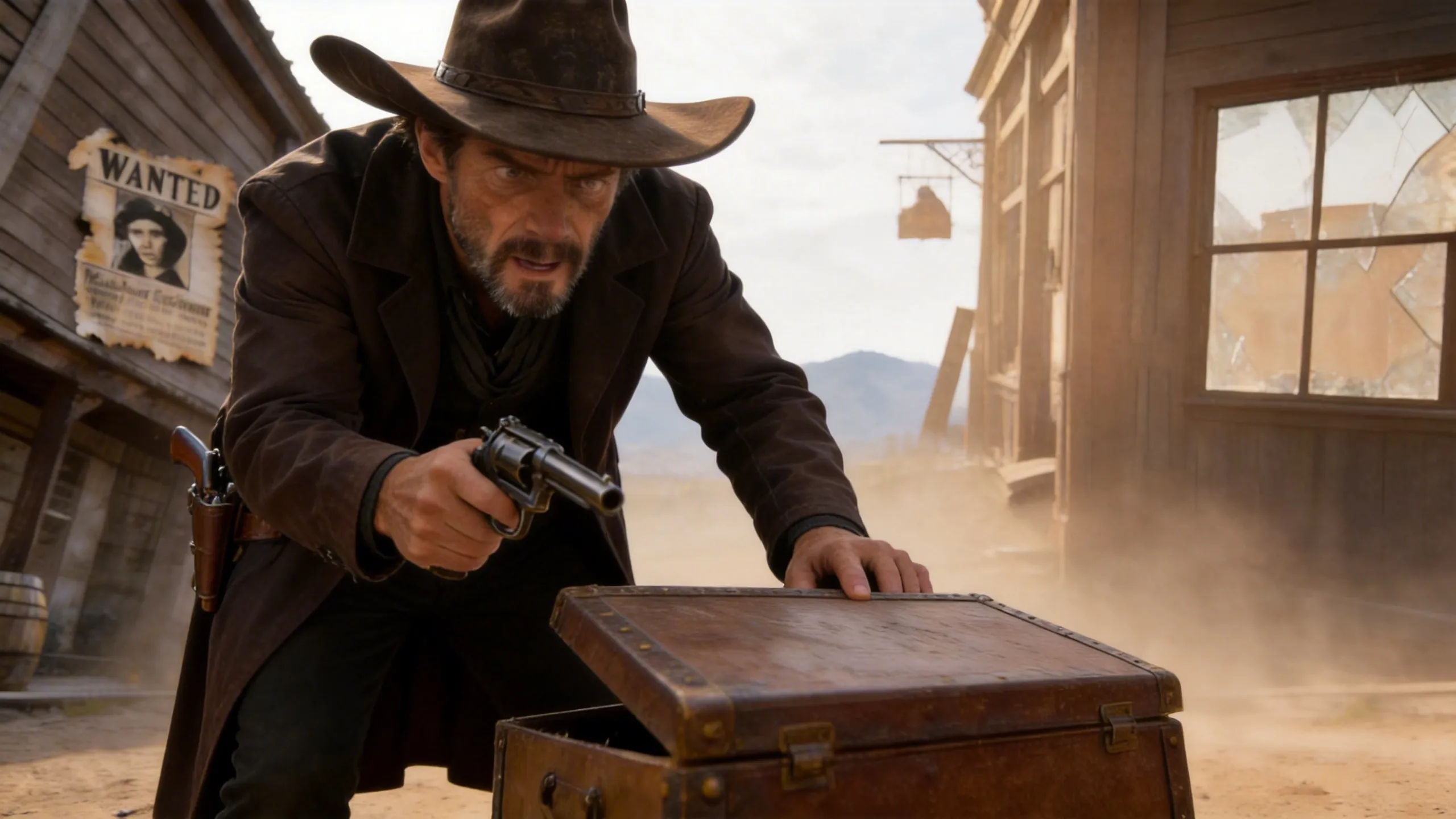
The following media is hosted by Alibaba Cloud documentation. Input clips and documented result clips are labelled separately; none is presented as an XXXCut generation.
 03
03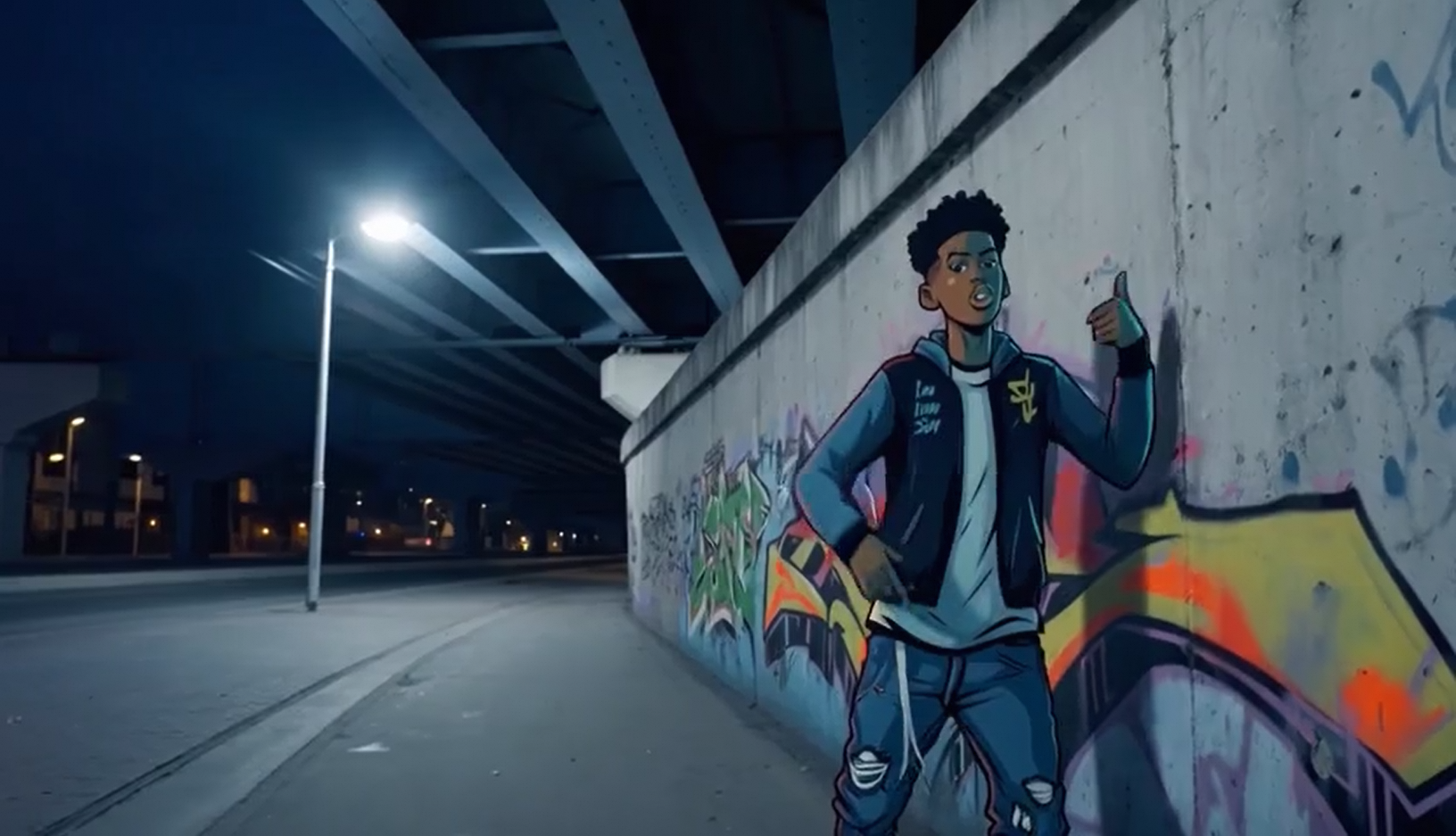 04
04 05
05 06
06Three ways to brief a Wan workflow
These are reproducible planning briefs based on the documented modes. They are not claimed benchmark results; use them to decide which input control your shot actually needs.
Continue an existing movement
Preserve direction and rhythm beyond the source clip.
Continue the same forward camera movement through the greenhouse aisle; the subject keeps walking at the same pace, leaves move gently, morning light remains consistent, no cut or change of lens.
- Video continuation
- Source clip
- Match camera speed
- No scene change
Continuation succeeds when the source ends on readable motion. A chaotic final frame gives the model no stable direction to carry forward.
Guide the destination with keyframes
Use explicit start and end compositions for a visual transition.
Move naturally from the seated start pose to the standing end pose, preserve the fictional adult character and wardrobe, keep the camera locked, smooth weight transfer, no new objects.
- Start frame
- End frame
- Locked camera
- Short duration
Keyframes constrain composition but do not specify the path between them. Describe the physical transition and keep camera movement out of the prompt unless it appears in both frames.
Reference a repeatable character
Build a new shot while maintaining visual elements from references.
The referenced fictional adult character crosses a quiet hotel lobby at dusk, same face, hairstyle and charcoal coat, low tracking shot, polished stone reflections, one continuous take.
- Reference-to-video
- Character reference
- 16:9
- Tracking shot
Reference media should agree with itself. Conflicting hairstyles, lenses or lighting across references force the model to average details rather than preserve a clean identity.
Wan workflow modes at a glance
Pick the smallest amount of control that makes the shot possible. More references are useful only when each one answers a different question.
| Decision | Text / image to video | Keyframes | Continuation |
|---|---|---|---|
| Controls | Idea and opening frame | Start and destination | What happens next |
| Best for | New short shots | Planned transitions | Longer sequences |
| Main risk | Composition drift | Unnatural in-between motion | Visible join or direction change |
| Inspect first | Subject and framing | Weight and trajectory | Boundary continuity |
How to evaluate Wan 2.7 without confusing availability
Confirm the selectable version
Open XXXCut Studio and check the model picker. Editorial coverage and a live selectable integration are separate states.
Choose one control mode
Start with text/image-to-video, keyframes or continuation according to the shot. Do not add references simply because the workflow accepts them.
Prepare clean boundary media
For keyframes and continuation, match aspect ratio, subject scale and lighting before generation. Input disagreement becomes motion drift.
Draft the shortest useful segment
Test the transition and camera direction at short duration before extending the sequence or raising quality.
Inspect the join
Watch the boundary repeatedly. Look for a speed jump, changed focal length, shifted horizon or subject-scale change.
Where the documented controls matter
Sequence extension
Continue a proven clip while carrying its final camera vector, lighting and subject movement into the next segment.
Designed transitions
Use start and end frames when a shot must arrive at a specific product position, pose or composition.
Repeatable campaign characters
Reference-to-video is the relevant mode when the same fictional character or product must appear across separate scenes.